How to Start a Digital Product Business in 9 Steps (Including the Legal Part Everyone Skips)
Want to know how to start a digital product business? I’ll tell you exactly how to do it — from your first product idea to your first sale — without a big budget, a huge audience, or even a finished product.
You have something people want. Maybe you’ve built a spreadsheet your coworkers keep asking for, maybe you’ve figured out a system that changed your life, or maybe people keep sliding into your DMs asking how you made that thing.
And now you want to package it up and sell it, but you have no idea how to start a digital product business.
Most guides will tell you how to start a digital product business by picking a product and a platform. But they don’t tell you how to actually set it up — or how to protect it once it’s out in the world.
So you either never launch because you have no structure. Or you launch, you make a few sales, and then your file ends up shared in a Facebook group for free, a buyer demands a refund after they’ve already downloaded everything, or a chargeback eats straight into your profit.
In this step-by-step guide, I’ll share exactly how to start a digital product business the proper way — the product, the platforms, the launch, and the one legal move that keeps the whole thing from falling apart. And the best part? Digital products are one of the cheapest businesses you can possibly start. I promise this is less scary (and less expensive) than you’re imagining.
This post is all about how to start a digital product business — the practical steps, the order to do them in, and the protection most creators only learn about after it costs them.
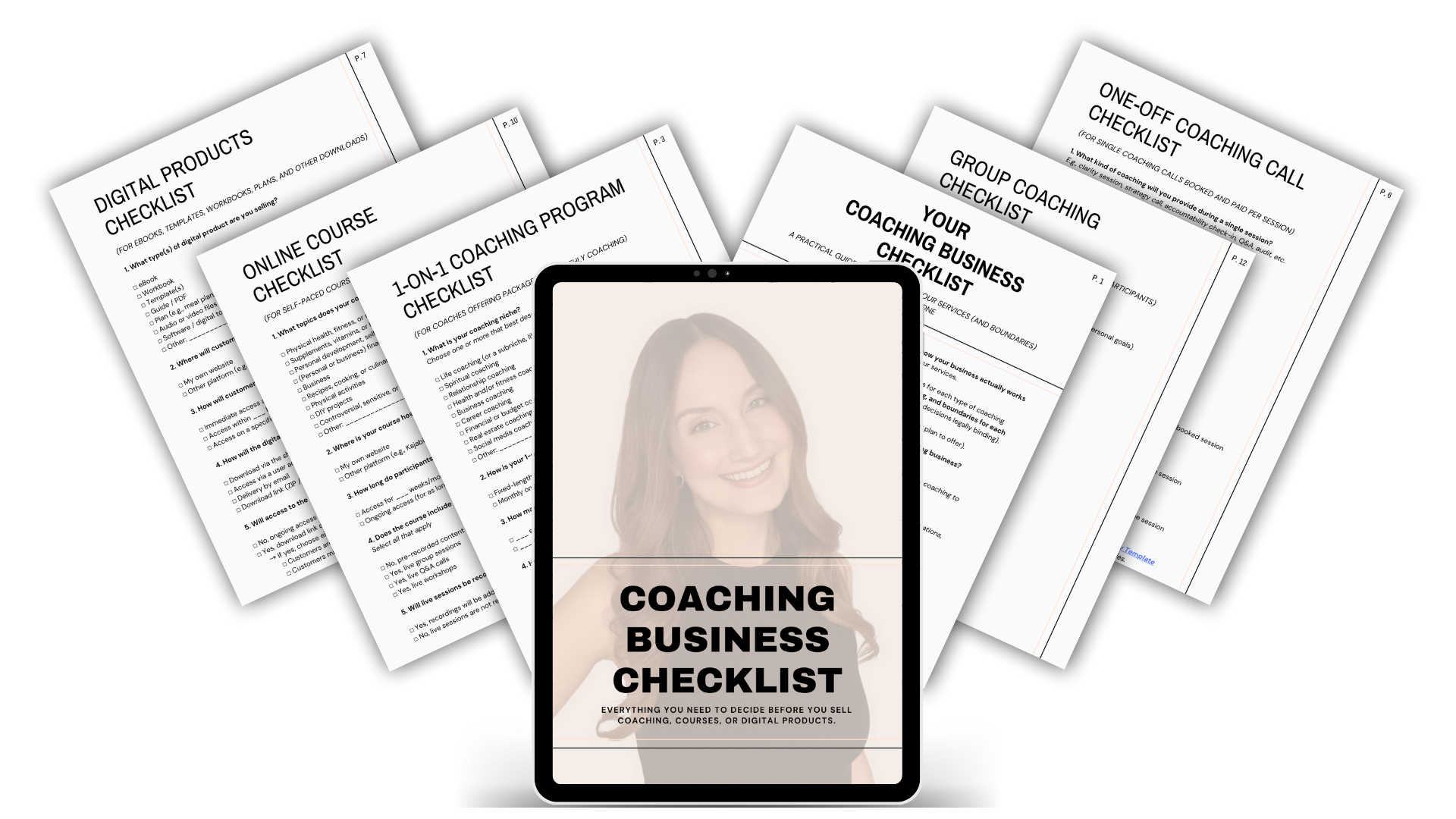
Before you dive in: grab my free Coaching Business Checklist— it has a complete checklist just for digital products(and another for online courses) that walks you through every decision before your first customer ever checks out.
How to Start a Digital Product Business the Right Way
How to Start a Digital Product Business from Home in 9 Steps
1. Decide what digital product you’ll sell
The first real step in how to start a digital product business is choosing what to sell — something you can make once and sell over and over.
Here’s the beautiful thing: there are no shipping costs, no inventory, and no stock to run out of. You create it once and sell it infinitely. That’s exactly why I point beginners to this model.
When people ask about the most profitable digital products, these are the formats that consistently sell well:
Templates — Canva templates, Notion templates, spreadsheets, resume templates, social media post packs. (The easiest place to start, because you build one layout and reuse it forever.)
Printables and planners — budget trackers, meal planners, workout logs, wall art.
eBooks and guides — the thing you know how to do, written down once.
Presets and filters — Lightroom presets, video LUTs, design assets.
Stock assets — fonts, graphics, photos, audio samples, sound effects.
Mini-courses and tutorials — short video lessons or workshops (more on these in a second, because they come with a legal twist).
If you’re just figuring out how to create a digital product to sell, start with one format and turn it into a small set — a pack of 10 templates feels more “worth it” to a buyer than a single file. Pick the overlap of something you genuinely know, something people want, and something they’ll open their wallet for.
2. Validate it before you build the whole thing
This is the step that saves you months of time. Before you build a 50-page workbook, find out whether anyone actually wants it.
The easiest way to figure out how to start a digital product business without wasting your time is to search for it first. There are a few ways in which you can find out whether there’s actual demand for your solution:
Search for the subject on Amazon to see if there are any books on it.
Search “How to [your solution]” on YouTube and see whether there are any tutorials on that.
Check Google or Pinterest to see whether any other creators are selling similar products.
Post the concept to your audience and watch what gets saved, shared, and replied to.
Open a waitlist and see how fast it fills.
Pre-sell a “founding” version at a discount before it’s finished.
The next step is to sell your MVP (more on that next) at a low price, say $27 (an amount anyone can really afford), and see if real people buy. If they do, you build with confidence (and their money). If they don’t, you just saved yourself a giant unpaid project.
This is also the secret to how to start a digital product business with no money — you let early buyers fund the build instead of paying out of pocket up front.
Pssst. Make sure you download my free Coaching Business Checklist—it includes all the important decisions you must make for your digital product beyond just the format.
3. Create a lean version (your MVP)
Now the fun part of how to start a digital product business: actually making the thing.
Don’t paralyze yourself trying to build the most beautiful, comprehensive product anyone has ever seen. That’s how you stay stuck and never launch.
Build the minimum version that gets someone the result:
Map the journey from point A to point B, then cut anything that isn’t on the path.
Keep it focused. A tight 15-page guide (or package of 15 5-minute videos) that solves one problem beats a 90-page doc nobody finishes.
Use the free tools first. Canva, Google Docs, a basic screen recorder — you do not need fancy software to start.
Customers don’t pay for production value when you’re working out how to start a digital product business — they pay for the result. Ship the core first; you can always polish and expand later.
4. Decide how you’ll deliver it (this changes your legal setup)
Before you sell anything, decide how the product reaches your customer — because it affects which terms you’ll need later, and almost no one tells beginners this.
A downloadable file (PDF, ZIP, Canva link, MP3, even a package of downloadable videos) is delivered once and lives on your customer’s device.
Hosted content (a course or workshop your customer logs in to watch on a platform like Teachable or Kajabi) stays on the platform, and they access it there.
Here’s the twist worth knowing up front: a video can be either one. If you sell a video your customer downloads and keeps, it’s a digital product. If that same video is hosted on a course platform they log into, it’s an online course — and the two need different terms and conditions. I’ll come back to exactly which template fits which in step 8.
Also decide now: will your download link expire after a set time? Will buyers get future updates, or only the version they bought? These are small calls that save you big headaches later.
Make sure to download my free Coaching Business Checklist—it includes a complete checklist for digital products(and another for online courses) that walks you through all the important decisions you must make before you sell.
5. Choose where to sell it
Now you decide where the product lives and where money changes hands. When it comes to selling digital products for beginners, you’ve got two broad paths:
A marketplace or creator platform (Etsy, Gumroad, Stan, Payhip, ThriveCart) handles checkout, delivery, and file hosting for you.
Your own website keeps everything under your brand and means you actually own your storefront. I recommend Squarespace for this — yes, this is an affiliate link, but I use it myself to sell my own digital products! It’s easy to set up, it handles payments, and you know it’ll be pretty. Squarespace is the Apple of all website builders.
Both are valid — pick the one you’ll actually launch on this month.
6. Set up your business
Now the part people skip: your business setup. This one is genuinely jurisdiction-specific, so pay attention to where you are.
If you’re figuring out how to start a digital product business in USA, forming an LLC matters a lot. It separates your personal assets (your house, your savings) from your business, which is worth real money in a litigious country. I use and recommend ZenBusiness for filing — you just pay the state fee on top, and they handle the paperwork.
In the Netherlands and much of the EU, it’s completely normal to start as a sole proprietor and register with your local trade register. Setting up a separate legal entity is more expensive, and honestly the risk isn’t as high as it is in the US. Once you’re making real money, then it’s worth setting up an entity.
7. Price it and set up checkout
We already talked about starting with a low entry price to determine demand, but how do you price your digital product after you’ve established demand?
The lawyer’s answer: It depends. It depends on your product, your audience, and the result you deliver.
But here’s a simple framework as you figure out how to create a digital product to sell:
Price to the result, not the page count. A $47 template that saves someone ten hours is a steal, even if it took you an afternoon to make.
Offer an installment option on higher-priced products. It boosts conversions without dropping your number. (More on doing this safely in the next step, because installments come with a catch.)
Set up your checkout so the price, the payment terms, and your terms and conditions are all presented before someone pays.
8. Protect it with real Terms & Conditions (the step most creators skip)
This is the difference between a digital product business that survives its first dispute and one that doesn’t. And it’s exactly the part those other guides on how to start a digital product business don’t even touch.
Here’s the thing about your refund policy, your “no sharing” rule, and your payment terms: writing them on your sales page does almost nothing. Your sales page is not a legally binding agreement.
If your terms only live on a landing page or in your shop description, a buyer can later argue they never actually agreed to them — and that’s where so many policies fall apart. (I broke this down in detail in 5 Costly Mistakes in Your Online Course Refund Policy, and the same logic applies to every digital product.)
A proper set of Terms and Conditions for Digital Products fixes that by becoming a binding contract your customer actively agrees to at checkout. Here’s what airtight digital product T&Cs actually cover — and why each one matters:
A personal-use license and anti-piracy language — this is the big one for digital products. It licenses your file for the buyer’s own use and makes clear they can’t share, resell, or teach from it, so you’ve got something to stand on when your product shows up where it shouldn’t. (If you sell templates people use inside their own business, there’s an optional commercial-use carve-out so you grant exactly the rights you mean to — nothing more.)
An enforceable refund policy that fits how your product actually works (no refund, conditional, or capped at a percentage) — so you decide the terms, not a buyer who already downloaded everything. It also includes an ironclad cooling-off waiver for EU customers, who can otherwise cancel and request a full refund within 2 weeks of purchase, with no need to provide a reason.
Installment and chargeback protection — gating access until payment clears, letting you charge a late fee, and letting you suspend access if a payment is reversed. (Without it, someone can grab a download on a first installment and disappear.)
Download and access rules — whether the link expires, whether they can request a new one, and when access starts, all spelled out.
A format and compatibility disclaimer — so when a buyer can’t open your file because their software is ancient or their device isn’t compatible, that’s on them, not you. This single clause heads off a surprising number of refund requests.
Niche-specific disclaimers so you’re not promising results you can’t guarantee. These matter most for health, fitness, nutrition, supplements, mental health, financial, business, culinary, and DIY products, where vague “income” or “outcome” claims invite real liability. If your product touches one of those areas, this isn’t optional.

And here’s the part I promised in step 4: which template you need depends on how you deliver the product.
Selling downloadable files — eBooks, templates, printables, audio, or videos your customer downloads and keeps? Use the Terms and Conditions for Digital Products.
Selling a course hosted on a platform your customer logs into, maybe with live calls or a community? Use the Online Course Terms and Conditions instead.
Selling both? That’s exactly what the Digital Product Business Bundle is for!
You don’t need to write any of this yourself, and you definitely shouldn’t grab a random free template off the internet and hope it holds. My templates are lawyer-drafted, built to be ironclad, include free updates as the law and the digital products industry change, and are customizable to your jurisdiction — whether you’re in Amsterdam or Austin.
9. Market it (and keep marketing it)
A product nobody knows about doesn’t sell, so the last piece of how to start a digital product business is getting it in front of people — on repeat.
You don’t need to be everywhere. Pick one or two channels you can actually sustain:
Pinterest + a blog are always my top recommendation, because they bring in buyers who are already searching for what you sell. Sophia Lee’s Perfecting Pinterest and Perfecting Blogging courses are the ones I point people to (not affiliate links — I used these myself and they’re genuinely good).
Organic social to build trust and send people toward your free resource, then your product.
An email list is the asset you actually own. Start collecting emails as soon as possible, even if barely anyone is visiting your shop yet.
Now You Know How to Create a Digital Product to Sell — Let’s Protect It!

So, here’s how to start a digital product business from home, start to finish: pick a product people pay for, validate it before you build, create a lean version, decide how you’ll deliver it, choose where to sell it, set up your business, price it with confidence, protect it with proper terms and conditions, and market it consistently.
If you only do one thing before you launch, make it the legal layer — because it’s the one that’s almost impossible to fix after something goes wrong.
My Terms and Conditions for Digital Products template gives you:
a personal-use license and anti-piracy protection,
an enforceable refund policy with the cooling-off waiver,
installment and chargeback clauses,
a format and compatibility disclaimer,
and the right niche disclaimers
All lawyer-drafted, peer-reviewed, updated for free, and customizable to your country.
And if you’re building a whole digital product business — downloadables plus an online course, with all the legal pages your site actually needs — the Digital Product Business Bundle is the discounted all-in-one. It packages:
the Terms and Conditions for Digital Products (for your eBooks, templates, and downloadable videos),
the Online Course T&Cs (for anything hosted on a course platform), and
the full Legal Website Bundle (including website terms, privacy policy, and disclaimer page) together.
So you’re protected across everything you sell. Everything’s lawyer-drafted, updated for free, and customizable to your country.
This post was all about how to start a digital product business the right way.
Read these blog posts next: